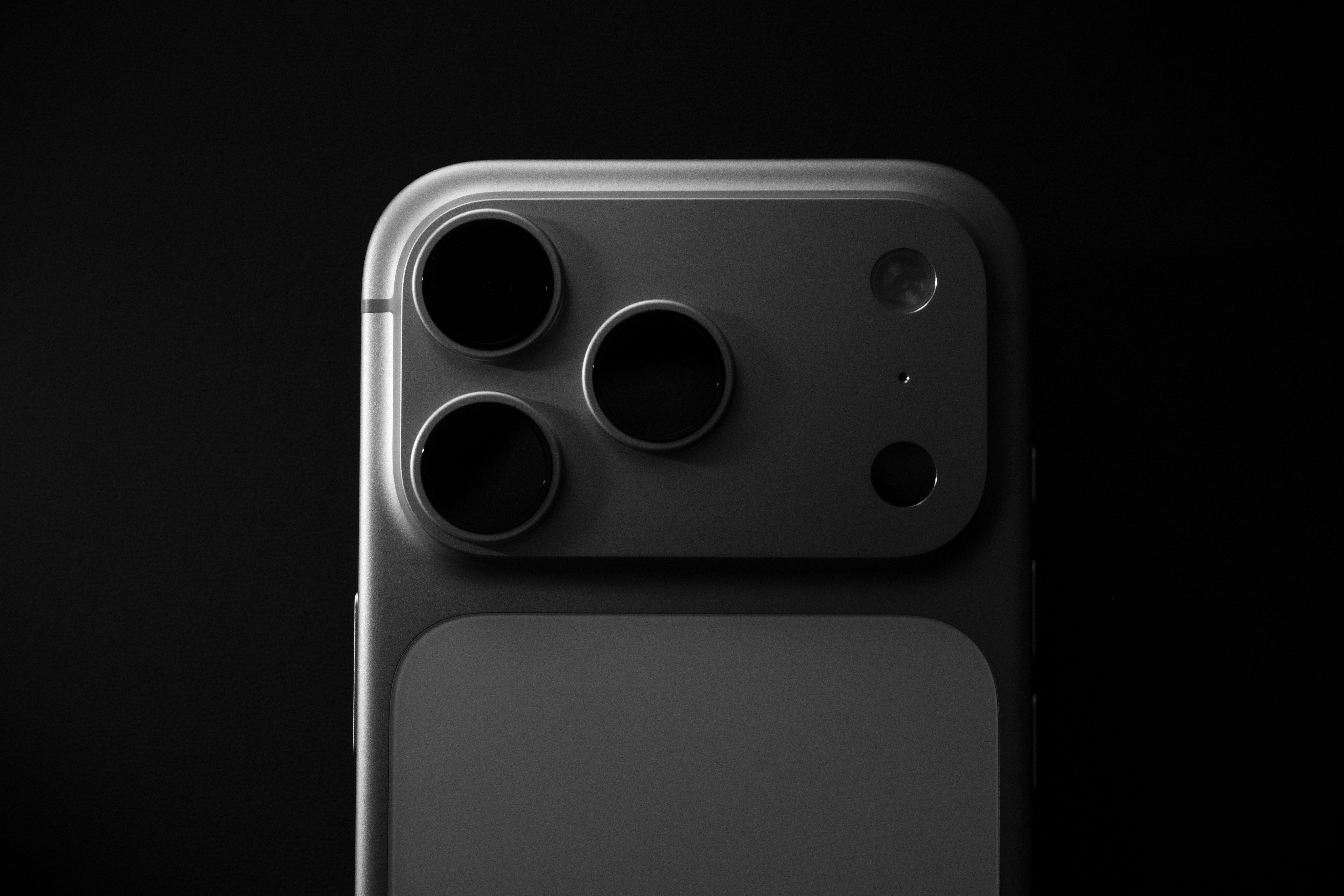
Build a More Productive Daily Routine with the iPhone 17 Pro
Discover how the iPhone 17 Pro can help you stay organized, manage daily tasks, and get more done with its useful features and productivity apps.
Stay Productive with the iPhone 17 Pro
It’s not just about being productive for more hours or doing all tasks in the schedule. At times, it may be about how well you allocate time, organize everything, and find easier ways of dealing with everyday chores. Regardless of whether you’re working, studying, or handling messages and personal appointments, having good tools can help.
The iPhone 17 Pro has been designed with all these functions in mind. The device integrates performance and productivity features with a number of applications. Nevertheless, the most effective way of using your device isn’t just about installing lots of apps. It’s about knowing which functions are beneficial and how to integrate them into your daily routine.
How Can It Help You Stay Organized?
With the iPhone 17 Pro, you’ll have access to a range of features to help you to manage your schedule, organize information, and handle daily chores using one device.
The Calendar is a great way of organizing your day. Instead of trying to memorize your schedules, you’re able to make events and reminders right from your iPhone.
You’re also able to create tasks, group them into lists, and give deadlines in Reminders. For instance, you may have a list of tasks related to your job, going shopping, errands, or weekly goals. In addition, you’re able to create reminders based on a specific time and place.
Notes app becomes handy because of the space where one can store such information. One can make notes about the meetings, make a list of groceries, write down ideas, and create checklists. Moreover, you can scan documents and store them in Notes. It’s handy to store all sorts of receipts, documents, or even handwritten notes in that way.
iOS Features Make Everyday Tasks Easier
Apple Intelligence introduces AI capabilities to iPhone-specific apps. Rather than having to shift through every single message or document yourself, you can make use of various tools that’ll aid in organizing the content and making sense of the information. However, note that Apple Intelligence is only available in select languages and regions.
Constant notifications might be distracting and interfere with your concentration, especially if you’re performing some sort of crucial task or studying. With the help of Focus Modes, you’ll be able to specify which people and notifications you want to be reached while doing something. You can set up various Focus Modes depending on such conditions as Working, Sleeping, Studying, etc.
In case you have the habit of repeating the same actions daily, the Shortcuts app may be a way to ease the procedure. It enables you to merge several actions into an automation system and you could create an automation program for the morning hours in which you see your calendar, get weather updates, and launch your music app.
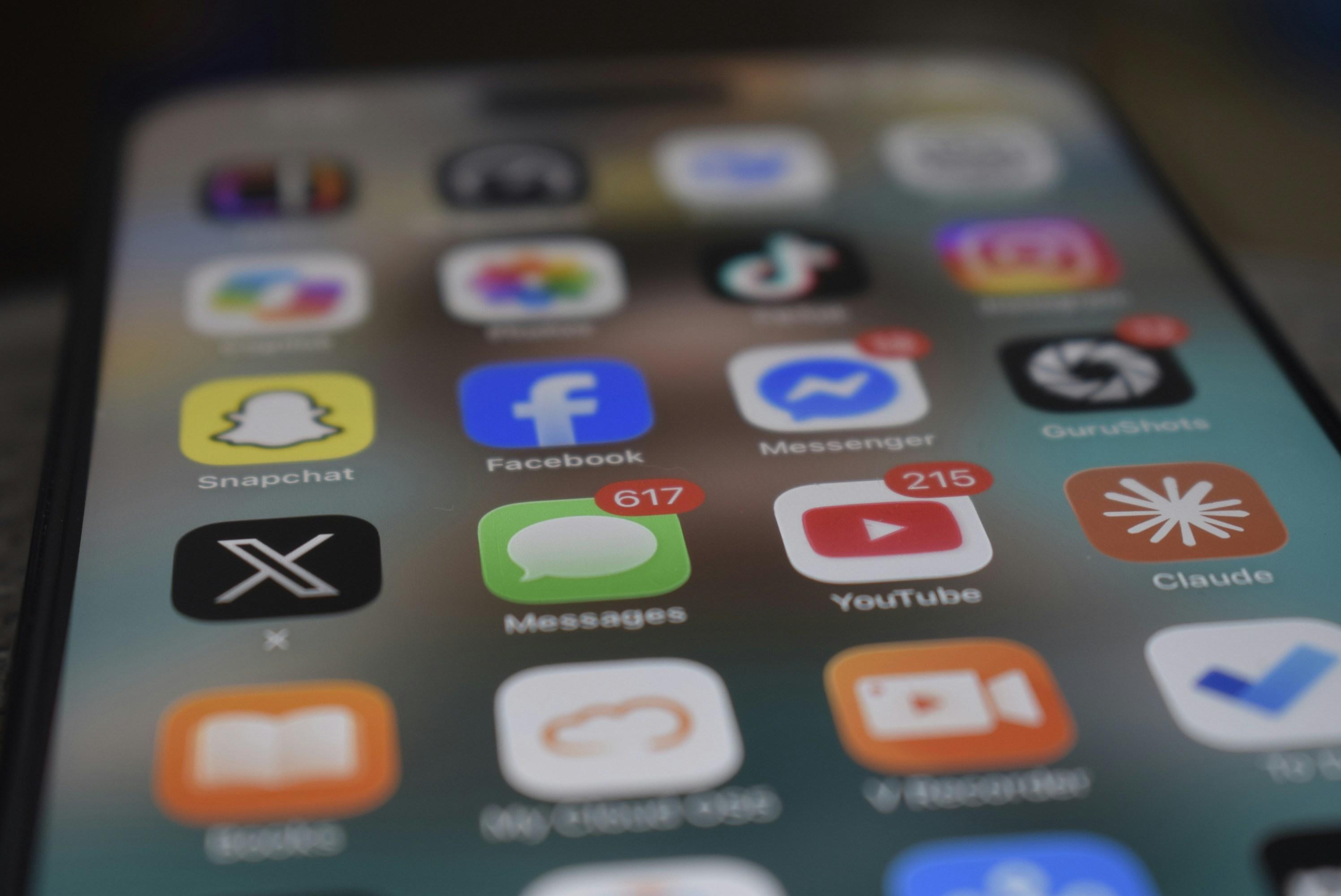
What Apps can Help Improve Your Daily Productivity?
Several built-in apps are present on the iPhone 17 Pro, but you may use other apps according to your work style and personal choice.
Todoist: Enables one to assign tasks, plan projects, set deadlines, and prioritize. You can divide one’s tasks into various categories, thus allowing you to tell which is urgent from the usual.
Notion: It can be used for note taking, research organization, scheduling projects, and making individual task lists. It’s especially helpful for those people who deal with diverse information on a regular basis.
Google Drive and Microsoft 365: Google Drive is used for storing and organizing files like Google Docs and Sheets which features collaborative editing of documents and spreadsheets. The Microsoft 365 package includes familiar apps such as Word, Excel, and PowerPoint, which makes it suitable for office document editing.
Forest: Allows users to avoid distractions by planting a virtual tree while engaging in a focus session. The tree building process stops whenever you log out from the session to use other apps.
Make Your iPhone 17 Pro Work Better for Your Lifestyle
The iPhone 17 Pro runs on the A19 Pro processor, which helps in dealing with complex apps and multitasking. This would be very helpful if you move from one task to another in your daily life, like editing documents, attending video conferences, and studying research material.
You may want to include helpful widgets to your Home Screen in order to view your calendar and reminders. Moreover, widgets will allow you to access helpful information without having to open an app. For instance, you can place your appointments, weather forecasts, or tasks right onto your Home Screen.
Keep the apps and data of the phone updated and back it up at regular intervals. It’s also important that you check your notification settings to avoid distractions. Battery management is also another consideration because you might need your phone for working, navigation, and communication purposes.
Explore a Flexible Way to Use the iPhone 17 Pro with Cinch
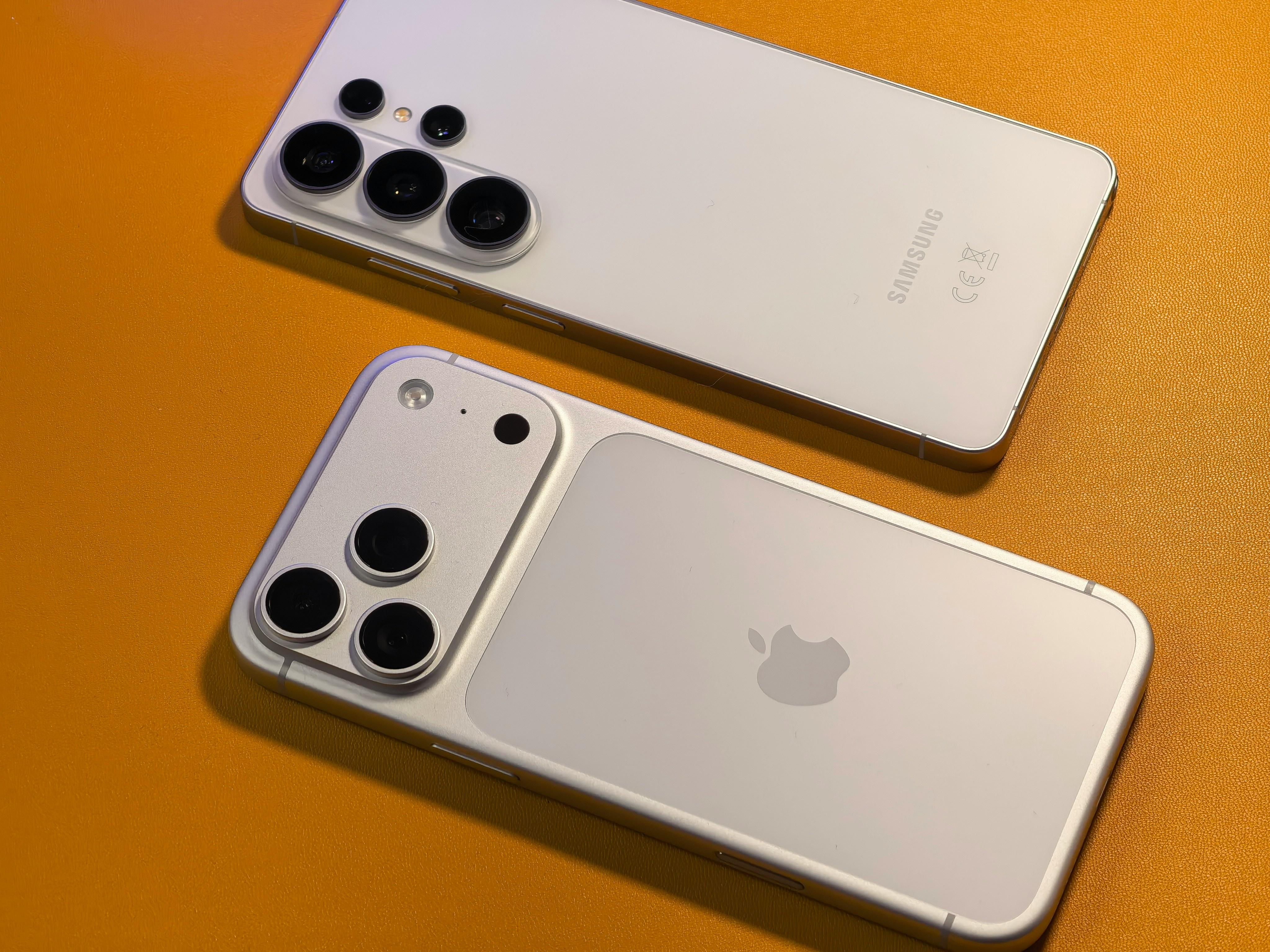
In case you plan on getting a new phone, the iPhone 17 Pro should be considered due to its performance and productivity capabilities. Yet, it’s still one of the best flagships even though Apple has launched the iPhone 18 Pro, Pro Max, and iPhone Duo.
Cinch provides subscribers with different levels of services when purchasing a smartphone. Cinch Plus or Cinch Max would be more suitable in case of accidental damage since they have fixed fees when making a repair request.
Cinch Plus: S$75 repair fee per approved service request every 12 months.
Cinch Max: S$25 repair fee every 6 months, as well as a device swap at S$125, and an early upgrade during the last 6 months of your subscription period.
iPhone 17 Pro Productivity FAQs
Is the iPhone 17 Pro good for productivity? Yes. The iPhone 17 Pro offers useful productivity features, including Calendar, Reminders, Notes, Focus modes, Shortcuts and Apple Intelligence. These tools can help you organise your schedule, manage tasks and reduce repetitive activities.
Is the iPhone 17 Pro worth upgrading to for work? It depends on your current smartphone and daily requirements. If you need better performance, updated software features and a capable camera for content creation, the iPhone 17 Pro may be a worthwhile upgrade. However, consider whether you will actually use its additional features before making a decision.
Can I get the iPhone 17 Pro through a Cinch subscription in Singapore? Cinch offers smartphone subscriptions in Singapore, with device availability and monthly prices depending on its current catalogue. You can check the Cinch website to see whether the iPhone 17 Pro is available and compare the subscription options.
What is the difference between Cinch Plus and Cinch Max? Cinch Plus offers a fixed S$75 repair fee per approved request, with one request every rolling 12 months. Cinch Max offers a fixed S$25 repair fee every rolling six months, as well as a S$125 device swap option and an early upgrade benefit during the final six months of an eligible subscription. Both plans provide additional protection against eligible accidental damage, subject to their respective terms.
 1,616 Google reviews