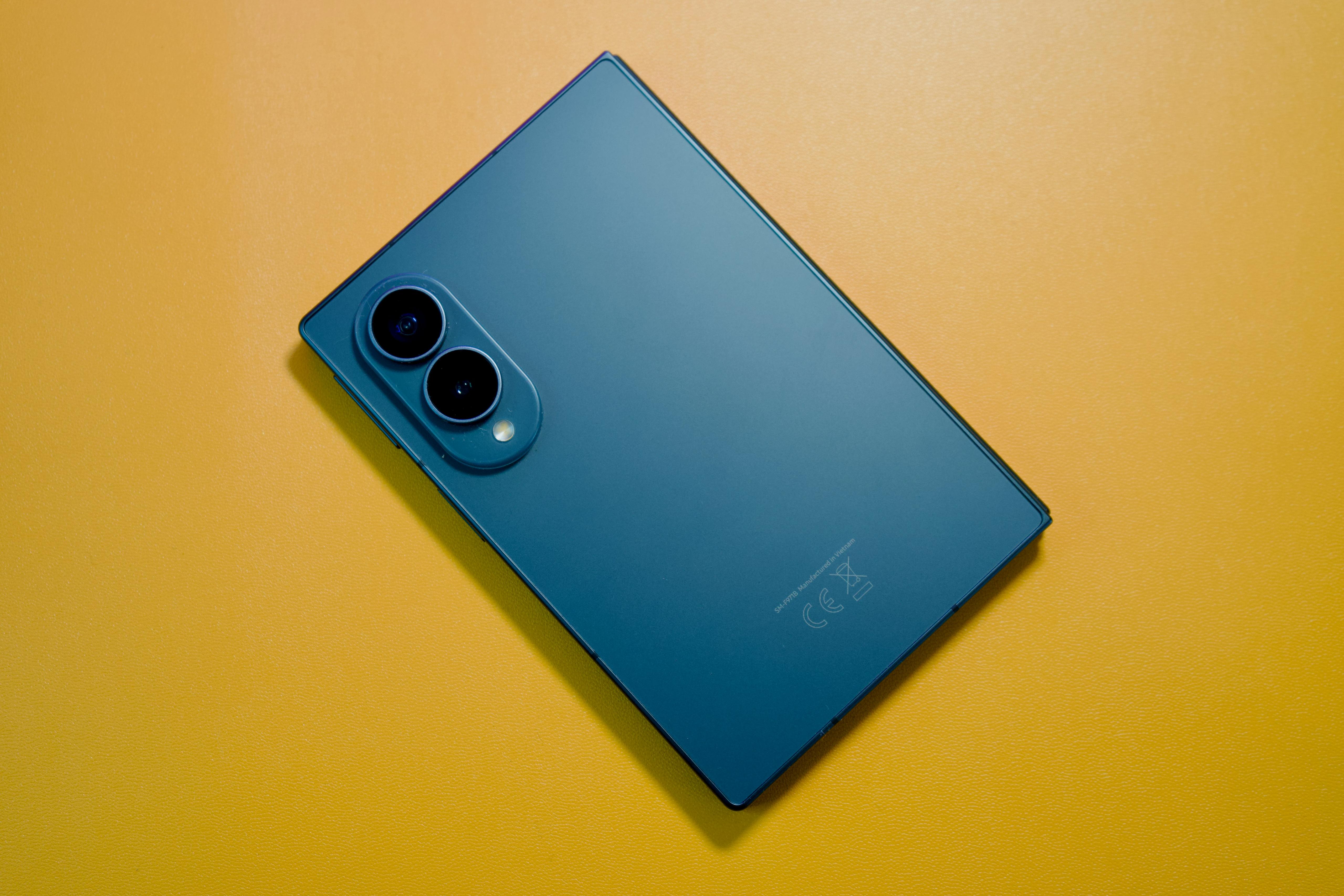
How to Turn Your Samsung Galaxy Z Fold8 into a Portable Workspace
Discover how the Samsung Galaxy Z Fold8 can help you work on the go with its large display, multitasking features, and easy access to apps and documents.
Samsung Z Fold8: Work Anywhere
Being productive while on the go is becoming increasingly common. This can range from checking emails between meetings, reviewing documents on the go or even multitasking by doing different tasks at the same time, but having the appropriate tech will allow this to be done seamlessly.
That’s the point a foldable phone will come into play. The Samsung Galaxy Z Fold8 comes with the combination of a normal phone but with a larger foldable screen, which allows for more productivity. This will benefit students, freelancers, professionals, and working remotely through their phones.
What Makes It Different from a Regular Smartphone?
Once you fold the Galaxy Z Fold8, it operates just like an ordinary phone. There’ll be no need to open it when sending messages, making calls, or browsing through your notifications or apps.
Another benefit of using the Galaxy Z Fold8 is that sometimes you’ll not have to decide whether you want a portable or big screen phone. The cover screen is suitable for some quick actions such as answering messages, reading your notifications, or checking your calendar. However, when you want to have more space for doing your tasks, there's a possibility to unfold the device and continue working with the big display.
In case a user requires a more conventional environment for work, there’s another solution offered by Samsung — it’s called Samsung DeX. Samsung DeX gives you an opportunity to connect your Galaxy Z Fold8 to a suitable display and work in a similar desktop environment.
Organize Work Across Multiple Apps
The Galaxy Z Fold8 has split-screen support, which gives you the capability to open two applications together. This implies that you can conduct one activity at once while having another application open in case you need it. In addition, you have the capability to adjust sizes of the two applications according to your needs. The bigger screen comes in handy when you’re comparing various sources.
You can also use Pop-Up View to see various supported apps in a window format over your current screen. Furthermore, you can resize and move these windows depending on your preferences. This will be convenient when you have to see notifications or other apps.
If you use certain apps often in combination with one another, there’s the feature called App Pairs which will help streamline your process. With the help of this feature, you can store combinations of apps and open all of them at once when necessary. After that, there’ll be no need for you to open each of the apps manually and organize them again.
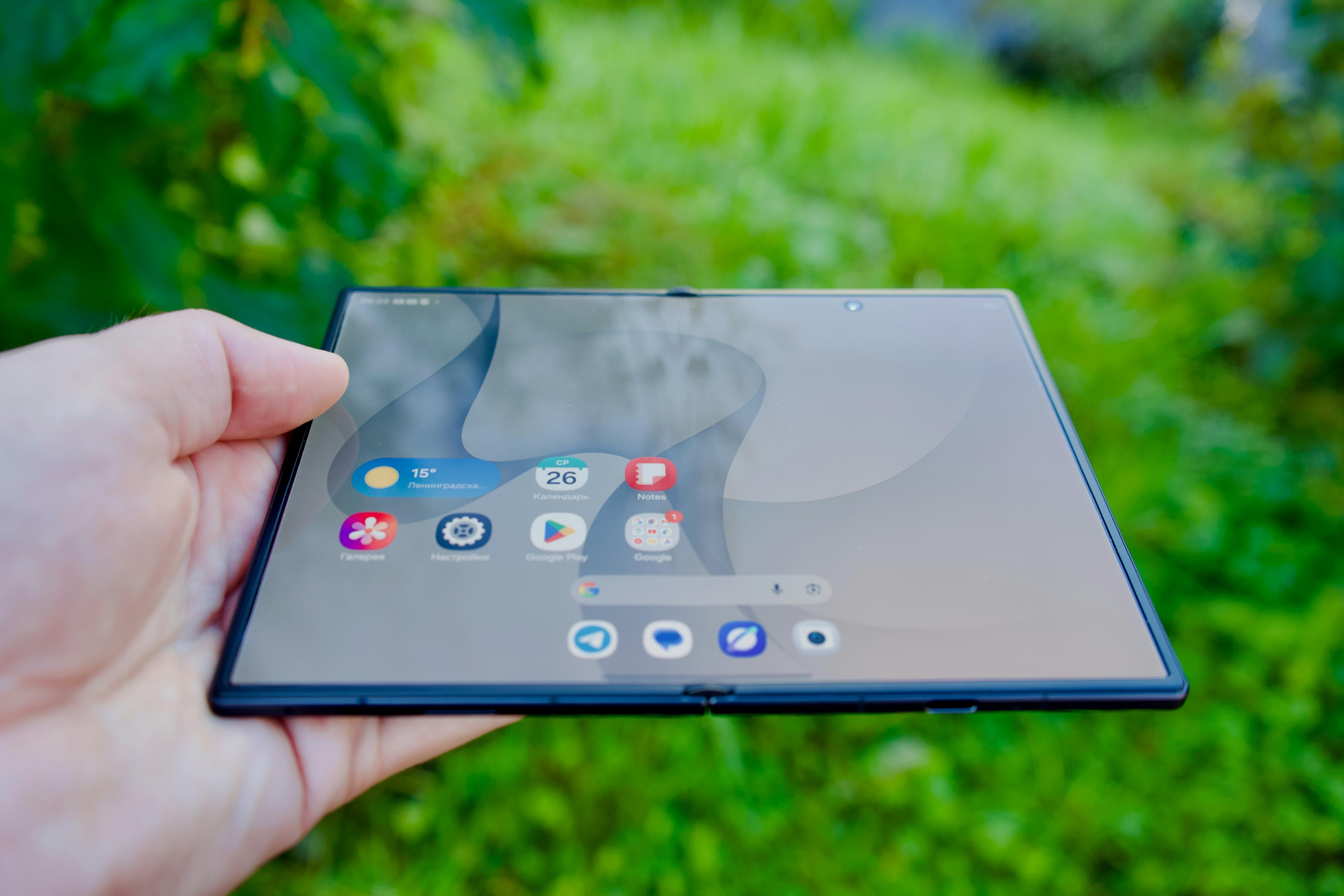
Can the Large Display Make Document Editing Easier?
It becomes very helpful while dealing with documents, spreadsheets, and presentations. Although a smartphone might be able to do the job quickly, editing long documents, and handling multiple documents at once might be difficult for a typical display. In this disregard, the Galaxy Z Fold8 offers extra space to make these tasks easy for users.
A larger display allows users to have more area to read text, handle spreadsheets, and prepare presentations. For instance, freelancers can check their documents sent by their client while replying to the comments provided on it.
Depending on the apps supported by your smartphone, features like Note Assist and Writing Assist are useful in organizing your data and improving your writing. Note Assist is capable in organizing and formatting your notes and will come in handy after you have attended meetings or lectures. Writing Assist modifies the tone and enhances your messages, specifically in writing tasks.
Remote meetings is yet another activity that can be made easier by the provision of a bigger screen size. The Galaxy Z Fold8 has sufficient space to enable you to see all participants during meetings, check any information that’s shared or use additional apps at the same time.
Stay Productive without Carrying Multiple Devices
If you constantly change from using your phone to your laptop, then cloud storage may be useful for you. Google Drive, OneDrive, or Dropbox provides cloud services for keeping files stored in an online folder and accessed using corresponding apps. You could create a document using your laptop , go through it on your Galaxy Z Fold8 during a trip.
The ideal approach to utilizing a foldable smartphone is to customize your device depending on what you do the most often. You’ll be able to arrange your Home Screen and Taskbar, placing all applications you need on it. For example, freelancers may want to have email, Google Drive, management, and video-conference apps or students may prefer Notes, Google Doc, web browsers, and learning platforms.
Samsung Galaxy Z Fold8 Portable Workspace FAQs
Can I get the Samsung Galaxy Z Fold8 through a Cinch subscription? Cinch offers smartphone subscriptions in Singapore. Device availability, monthly prices and subscription terms may vary, so check the respective Cinch websites for the latest Galaxy Z Fold8 listings.
What happens if my Galaxy Z Fold8 gets damaged during a Cinch subscription? In Singapore, eligible repairs for foldable smartphones have different service fees depending on your selected tier. Cinch Plus charges S$75 per approved repair request, while Cinch Max charges S$25. Cinch Max also offers a S$125 device swap option.
How many apps can I use at once on the Galaxy Z Fold8? The Galaxy Z Fold8 supports multi-window multitasking, including two-way and three-way split-screen layouts. You can also use Pop-up View to open supported applications in floating windows.
Does the Samsung Galaxy Z Fold8 support Samsung DeX? Yes. The Galaxy Z Fold8 supports Samsung DeX, allowing you to connect to a compatible external display for a desktop-style working experience. Compatible accessories, such as a keyboard and mouse, can make it more convenient.
Is the Galaxy Z Fold8 suitable for remote working? Yes. Its large display, multitasking features, document editing applications and video conferencing support make it suitable for many remote working activities. Its portability is also useful for people who frequently work outside a traditional office.
 1,616 Google reviews