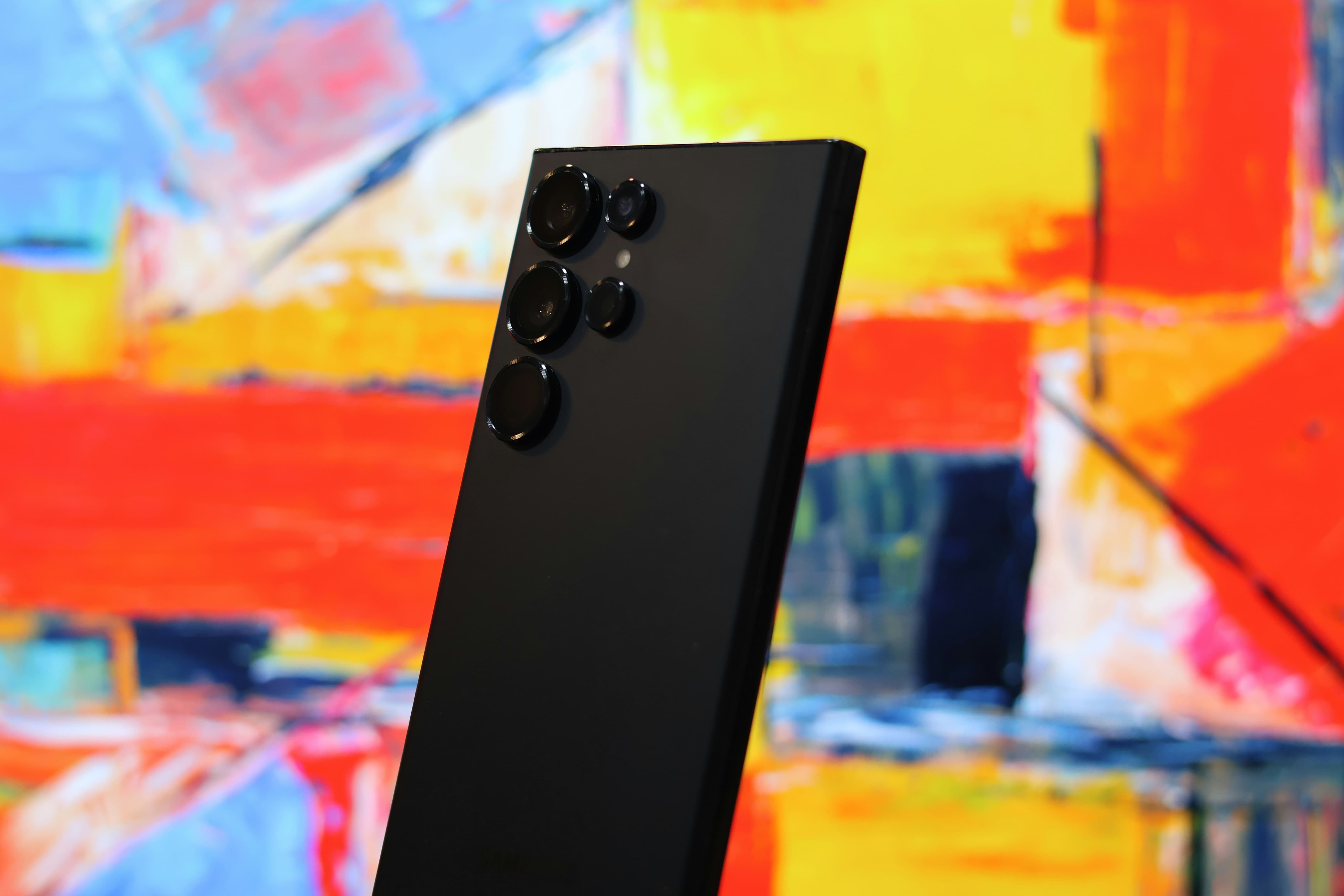
Still Using the Galaxy S24 Ultra? Should You Upgrade to the Galaxy S26 Ultra?
Discover how the Galaxy S26 Ultra improves on the S24 Ultra with a lighter design, better performance, faster charging, enhanced cameras, and smarter privacy features to help you decide whether upgrading is worth it.
Still Using the Galaxy S24 Ultra? Is It Time to Upgrade?
Smartphones have become technologically mature that yearly upgrades don’t provide staggering improvements that they used to anymore. To upgrade or not is the question for owners of the Samsung Galaxy S24 Ultra — with one of the best build quality, a 200MP main camera and Gorilla Glass Armor.
With the Galaxy S26 Ultra featuring a newer Snapdragon 8 Elite Gen 5 chip, faster 60W wired charging, better ergonomics and the latest Gorilla Glass Armor 2 display. Is the leap two generations later worth the cash or is your Galaxy S24 Ultra still doing just fine?
Features of Your Current Galaxy Can Still Do
The Galaxy S24 Ultra is powered by the Qualcomm Snapdragon 8 Gen 3 for Galaxy processor with 12GB of LPDDR5X RAM, making it that it could keep up for editing high-resolution 4K video or scrolling dozens of browser tabs, or working on a split-screen productivity setup.
In addition, the 6.8-inch Dynamic LTPO AMOLED 2X display, with its resolution and peak brightness of 2,600 nits, and a120Hz refresh rate. Corning’s original Gorilla Glass Armor coating on the S24 Ultra, you’re protected from reflections during working or playing in the sun.
This is the Galaxy S24 Ultra quad-camera system, and it’s probably the one of the most flexible camera systems on any smartphone. The system is headlined by a 200MP main sensor with OIS that produces dynamic range and texture detail in the daylight.
The dual telephoto system consists of one 10MP camera with a 3x optical zoom and a 50MP camera with a 5x optical periscope lens, making high-quality images at the most common focal lengths. The S24 Ultra can still take stage shots at live concerts, reach into the depths of detail on buildings, and take portraits.
Furthermore, over a series of one UI software upgrades, Samsung also managed to introduce Galaxy AI features like Live Call Translation, Note Assist, and Generative Edit to the S24 lineup.
What New Features could make a Real Difference?
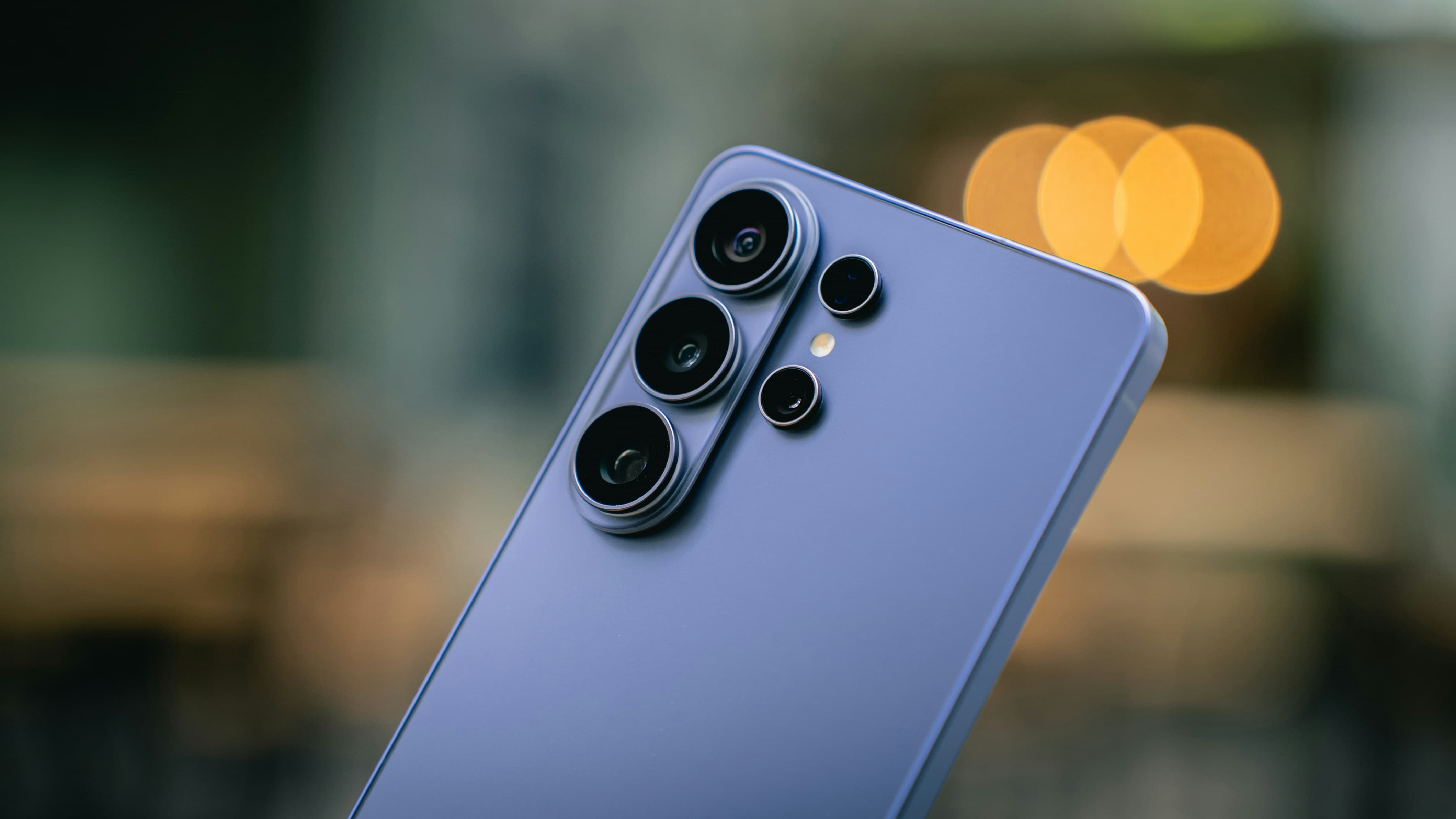
The Galaxy S24 Ultra measures 214g (7.9mm thick) compared to the 232g of the S24 Ultra, with sleeker corners and rounded frame edges for a better grip. Corning Gorilla Glass Armor 2 for abrasion resistance and anti-reflective clarity. There’s a built-in Privacy Display Mode too which could make your personal information not visible when using the device in public.
The Galaxy S26 Ultra offers a more efficient 3nm chip with a new Adreno GPU and an increased vapour chamber cooling solution. These enhancements make for quicker graphics rendering, enhanced ray tracing, and greater stability during high-stress activities.
Both S24 and S26 Ultra have 5,000mAh batteries but the S26 Ultra can now be wired charged at 60W to get to 75% in about 30 minutes. Also, while both models have the same 200MP main camera sensor, the S26 Ultra upgrades its ultra-wide camera from 12MP to 50MP benefitting from improved on-device AI processing and a faster shutter speed to produce sharper images.
Upgrade or Stick with Your Current Device
When to stick with your Galaxy S24 Ultra:
Battery Health: As long as your phone can comfortably get you through a day of regular use without having to do the charge in the middle of the day.
Traditional, Boxy Design: You like the industrial, flat-edged looks of the S24 Ultra and aren’t discouraged by its weight.
Daily Productivity and Communication: Basic everyday productivity and communication — web browsing, social media handling, sorting emails, and photography — are nearly indistinguishable in practice between these two models.
Long-Term Software Support: If you’re still getting software updates from Samsung for the next few years, your phone can be fully secured and up-to-date.
When to consider upgrading to the Galaxy S26 Ultra:
Thermal Throttling or Battery Degradation: If heavy charge cycles have diminished your battery capacity or caused your device to heat up under load.
Hand Fatigue: The weight of 214g and slimness of 7.9mm body and rounded frame corners make a difference in daily use.
Heavy Mobile Gamer or Video Editor: Performance acceleration and thermal dissipation gain a steady frame rate in heavy 3D games.
Fast Charging: When you’re in a hurry, boost your battery with 60W charging.
How can You Upgrade without Overspending?
This is where a device subscription is a smarter way to free up capital. With Cinch, you can subscribe to the new Samsung Galaxy S26 Ultra on a clear monthly subscription with low upfront down payment. A flexible device subscription allows you to retain liquid capital and enjoy the latest tech. Your device is also protected for those unexpected damages with two easy subscription options:
Cinch Plus (S$4.99/month): Adds members-only deals to Cinch and provides a single, flat rate S$75 on accidental damage repair per year.
Cinch Max (S$12.99/month): Offers a lower flat accidental repair fee of S$25 (every 6 months) and a flat fee of S$125 for next-day swap if your phone is badly damaged. You will also receive bonus loyalty points and access to early device upgrades (in the last 6 months) without early termination fees.
Upgrading the Galaxy S24 Ultra FAQs
Is the Galaxy S26 Ultra significantly faster than the Galaxy S24 Ultra in daily use? During heavy graphics rendering, high-end 3D gaming, or multi-stream 4K video editing, the Snapdragon 8 Elite Gen 5 chip inside the S26 Ultra delivers noticeably smoother frame rates and runs cooler due to its improved 3 nm efficiency and larger vapour chamber.
Does the Galaxy S26 Ultra take better photos than the S24 Ultra? While both devices sport a 200 MP primary camera, the S26 Ultra upgrades the ultra-wide lens to a sharper 50 MP sensor and features wider apertures on its telephoto lenses. Paired with upgraded image signal processing, the S26 Ultra produces clearer low-light shots, sharper ultra-wide photos, and faster shutter speeds with less motion blur.
How does subscribing to a device with Cinch differ from buying on a telco contract? Telco contracts force you into rigid 24-month mobile plans that bundle overpriced data packages and charge high early termination fees. Subscribing with Cinch separates your device access from your mobile service provider, giving you lower initial outlays, zero hidden interest, integrated protection options, and the freedom to change mobile plans whenever you like.
What happens if I drop and damage my phone while on a Cinch subscription? Your repair costs depend on the service tier you choose at checkout. On Cinch Core, repairs are billed at standard service rates. On Cinch Plus, accidental damage repairs are capped at a flat S$75 fee once every 12 months. On Cinch Max, repair fees drop to just S$25 once every 6 months, or you can request an immediate next-day replacement device for a flat S$125 fee.
Can I upgrade to a new phone before my subscription term ends? Yes. Subscribers on Cinch Max can choose to upgrade to a newer smartphone model during the final 6 months of their subscription term without paying early termination fees.
What happens at the end of my Cinch subscription period? When your subscription term finishes, you have full flexibility. You can choose to return the device and upgrade to the latest model, extend your current subscription at a discounted rate, or request a buyout if you wish to purchase and keep the device permanently.


 1,603 Google reviews